


Page 7 - Demo
P. 7
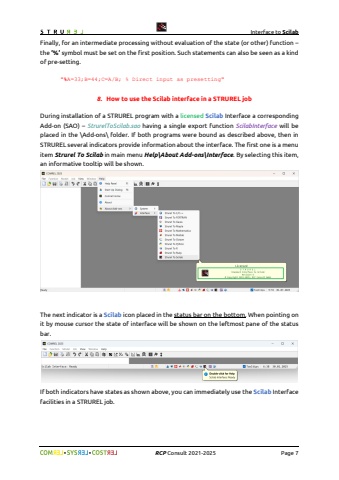
Interface to Scilab%uf09f %uf09f RCP Consult 2021-2026 Page 7Finally, for an intermediate processing without evaluation of the state (or other) function %u2013the %u2019%%u2019 symbol must be set on the first position. Such statements can also be seen as a kind of pre-setting.\8. How to use the Scilab interface in a STRUREL jobDuring installation of a STRUREL program with a licensed Scilab Interface a corresponding Add-on (SAO) %u2013 StrurelToScilab.sao having a single export function ScilabInterface will be placed in the \\Add-ons\\ folder. If both programs were bound as described above, then in STRUREL several indicators provide information about the interface. The first one is a menu item Strurel To Scilab in main menu Help\\About Add-ons\\Interface. By selecting this item, an informative tooltip will be shown.The next indicator is a Scilab icon placed in the status bar on the bottom. When pointing on it by mouse cursor the state of interface will be shown on the leftmost pane of the status bar.If both indicators have states as shown above, you can immediately use the Scilab Interface facilities in a STRUREL job.


